How to Create Diwali AI Videos Using Reference Images & Prompts
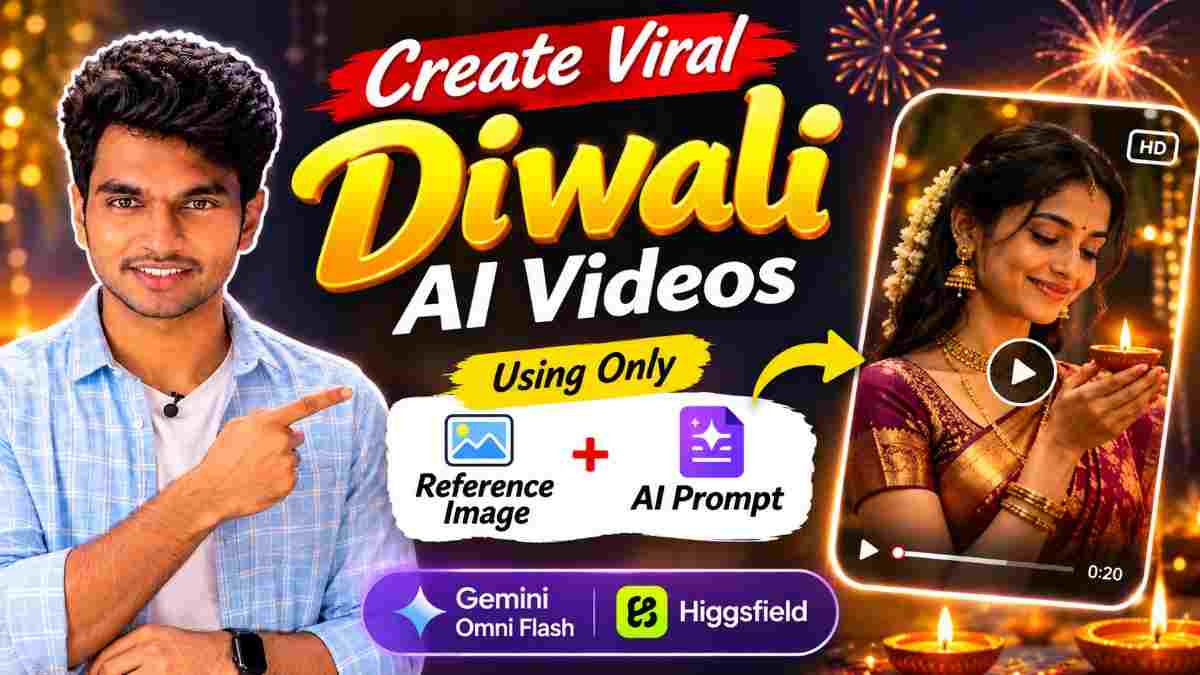
You will need one reference image and one prompt. There is no reference video. Below is the full prompt. The reason why it works, how to customise it for your image, and common issues.
Note: The names of the tools, their limitations and the types of inputs they accept can often change. This prompt is written to work with any image to video tools. Therefore please use whichever you have access to and check what the current options are.
The Prompt (Copy)
You can copy the prompt below or open the text in a Google Doc.
Open the Diwali transition prompt (Google Doc)
You will notice in section 2 there is a specific description of a black Indo-western outfit. Please edit these parts to describe your reference image.
PROMPT
✨ AI PromptCINEMATIC DIWALI TRANSITION - MASTER PROMPT Length: 13-15 seconds Ratio: 9:16 (Vertical) Style: Ultra realistic, cinematic, festive fashion. 1. Scene & Camera Angle: Low angle looking up at the model. Scene Description: A cinematic transition during Diwali. Starts with a peaceful evening and transitions into an exciting fireworks scene. Setting: Outdoor scene showing a rooftop or open space in a city. Buildings will be high with lit windows. Camera: Keep the low angle and cinematic throughout. Quality: High quality, realistic skin texture, realistic fabric and cinematic depth. 2. Model & Outfit Model: Long, dark, natural hair. Warm skin tone and subtle makeup. Outfit: Match the image provided. Elegant black Indo-western outfit. Black tight-fitting crop top with deep neckline. Sequin detail and corset shape. Black dramatic flared lehenga with slight shine. Layers of ruffles. Statement necklace with silver colouring and matching dangling earrings. Tiny pearls in half up hairstyle. Mehndi on hands. Dupatta: Keep the dupatta from her outfit. Do not add any extra dupattas. Keep the same colour, design, texture and length. Ensure it moves naturally. Ensure the outfit, texture, embellishments and accessories are the same as the reference image. 3. Scene 1 - Evening (00:00 - 00:02) Model will be standing outside during the day or gentle evening. Facing the low angle camera with a confident smile. She will gently hold one end of her dupatta and begin a graceful turn. Background: Gentle blue and purple skies. City buildings with lit yellow windows. 4. Scene 2 - Dupatta Transition (00:02 - 00:05) This is the most important part. Model will wave her dupatta using one hand. Her entire body will begin to turn in one direction. Her dupatta will move through the air and will briefly fill the frame. As the dupatta moves past the camera you will transition from evening to night. Once it has moved past you will reveal the location during Diwali. Dark skies, lit windows and some initial golden/orange fireworks. Transition Rules: Only use the dupatta from the model. No extra fabric. Dupatta must move through the frame. Transition should match the movement of the dupatta. Same model, outfit, location and camera. 5. Scene 3 - Slow Turn (00:05 - 00:09) Model will turn once during the video. The turn must be slow. Her entire body must turn together. Head, face, shoulders, bust, waist, hips and legs. All parts must be in alignment and facing the same direction. Model will turn slowly. Starting facing the camera and turning to one side. Once facing away from the camera will continue to turn in the same direction. Turning fully and facing forward again. During the turn her dupatta will move through the air, lehenga will flare, ruffles will create circular movement, her hair will move naturally and her sequin crop top will catch the colour of the fireworks. Do not turn more than once. Do not turn quickly. Do not turn her face. Do not look over her shoulder. Do not turn upper body. Do not make movements look jerky. 6. Scene 4 - Graceful Poses (00:09-00:12) Model will stop facing the camera. She will gently hold the sides of her lehenga and flare them slightly. She will gently move side to side. Adjust her hair. Allow the dupatta to move. She will give a soft smile and then look upwards to the night sky. Do not add any extra spin. 7. Scene 5 - Fireworks (00:12-00:15) Model will look up at the fireworks. The camera will show her silhouette with the fireworks behind. Neon green fireworks will be shown first followed by red, pink, magenta, gold and white starbursts. Rockets with sparkly trails. Light smoke. The fireworks will bounce off her crop top, jewellery and shiny lehenga. Ending with a magical cinematic festive feel. 8. Final Rules Ensure the outfit matches the image. Face, hair, jewellery and design will remain the same. Do not add any extra dupatta. Transition will happen when the dupatta moves past the camera. Must turn once during the video. Slow turn. Entire body will turn. Ensure fabric, hands, face and body are realistic. Keep the same location. Do not add any extra spins. Do not make any unnatural turns. Do not make any jerky movements. Absolutely no text. No captions, subtitles, text, logos, watermark or overlays. Final Output: 9:16 vertical, ultra realistic cinematic Diwali transition showing her outfit from all angles with a natural transition using her dupatta.
Requirements
- One clear image of the outfit. Either yourself or an adult who has agreed. Do not use images of children.
- Image to video AI tool. I have tested this type of prompt in Gemini video features and Higgsfield. All will work in a similar way.
- Video editor.
Customising the Prompt
- In section 2 edit the description to match what you can see in your image. Colour, fabric, neckline and jewellery. Keep the line "match the uploaded reference image exactly".
- Ensure the outfit has a dupatta. If not you will need to use another large piece of fabric from the outfit such as a pallu or long scarf. Do not ask the AI to add one.
- Feel free to change the location. Maybe a courtyard with diyas and rangoli. Just ensure it is the same throughout.
- Ensure you only turn once and no text. This is because AI tools often over spin and add random text.
- Ensure the length of the clip matches your tool. If you cannot create a 15 second clip split the video into two. Twilight & transition and turn & fireworks. Then combine in a video editor.
Using the Prompt
- Open your image to video option and upload your outfit.
- Select 9:16.
- Paste in your edited prompt.
- Generate 2-3 versions and select the best one.
- Edit, add music you have rights to and export as 9:16. The menus may vary so look out for image to video or start from an image.
Be Respectful
Diwali is a religious and cultural festival. Be respectful with your visuals. Ensure you are using your own image or an adults who has clearly agreed. Do not use a celebrity or strangers image. If you found the outfit idea online describe it in your own words. Do not animate someone elses image. The fireworks are just visual. Please do not film or encourage unsafe real fireworks. Say the video is AI generated. Follow their rules for AI content.
My Experience
Note: This is a draft. Please ensure it reflects what you actually did. Including what tool you used. The hardest part was getting the transition right. At first I had said "transition from day to night" and it would jump from one to the other. Once I had described the dupatta moving past the camera and told it to transition during this time it looked much more natural. The second was ensuring she only turns once. Without saying "turn once with entire body" sometimes her face would turn in a different direction to her body. I also learnt to edit the outfit section to match what I have in my image. The AI will try to match what you describe. I always generate a few versions.
FAQs
Do I need a reference video?
No, you only need a reference image.
Do I have to use the black outfit?
No, edit the outfit section to match your image.
What tool should I use?
Any image to video tool. The features and limitations will vary. If possible try using two different ones with the same image and prompt.
Why does the transition look sudden?
The dupatta must fill the screen during the transition. If your tool does not allow this split into two clips and combine in a video editor.
Can I use this for a male or different outfit?
Yes. Change the model and outfit section. Ensure you have a long piece of fabric from the outfit to use for the transition. Such as a stole or shawl.
Can I post this on Instagram Reels?
Yes. Export as 9:16 and say it is AI generated.
Will it go viral?
No one can guarantee this. Having a strong start, good idea and being consistent will help.
Conclusion
This prompt works well for Diwali as it tells the AI exactly what to do. It starts with the evening. The dupatta will move past the camera hiding the transition. Then she will turn once. Finally she will pose a few times and end with fireworks. Ensure you edit the outfit section to match your image. Ensure you only turn once and there is no text. Check the outcome to ensure her outfit hasn’t changed. Say it is AI generated when posting. Written by Dinesh, a full stack developer and content creator. Testing AI image and video prompts.
Continue Reading
Recommended Stories
Pinterest Reference Images for AI Videos: A Safe Workflow and Prompt
In this article I will show you how to use Pinterest Images and AI Video Generators such as Gemini and Higgsfield to generate fun AI videos. This tutorial is perfect for beginners and shows you how to make engaging AI videos from funny cartoon images such as Oggy using easy prompts. I will also share some tips from my own experience of creating AI Content.
How to Avoid Faces Changing in AI Photos
Learn how to use ChatGPT Custom Instructions to help keep your face, hairstyle, and skin tone consistent in AI-generated photos. Follow this simple step-by-step guide, paste a face-lock prompt, and create more consistent AI portraits using your own image.